
Explore

Popular Content

MIDI Art Studio
App / Service

MIDI Art Studio

appDigital Artimage to musicmidi artmusic generatorpiano roll

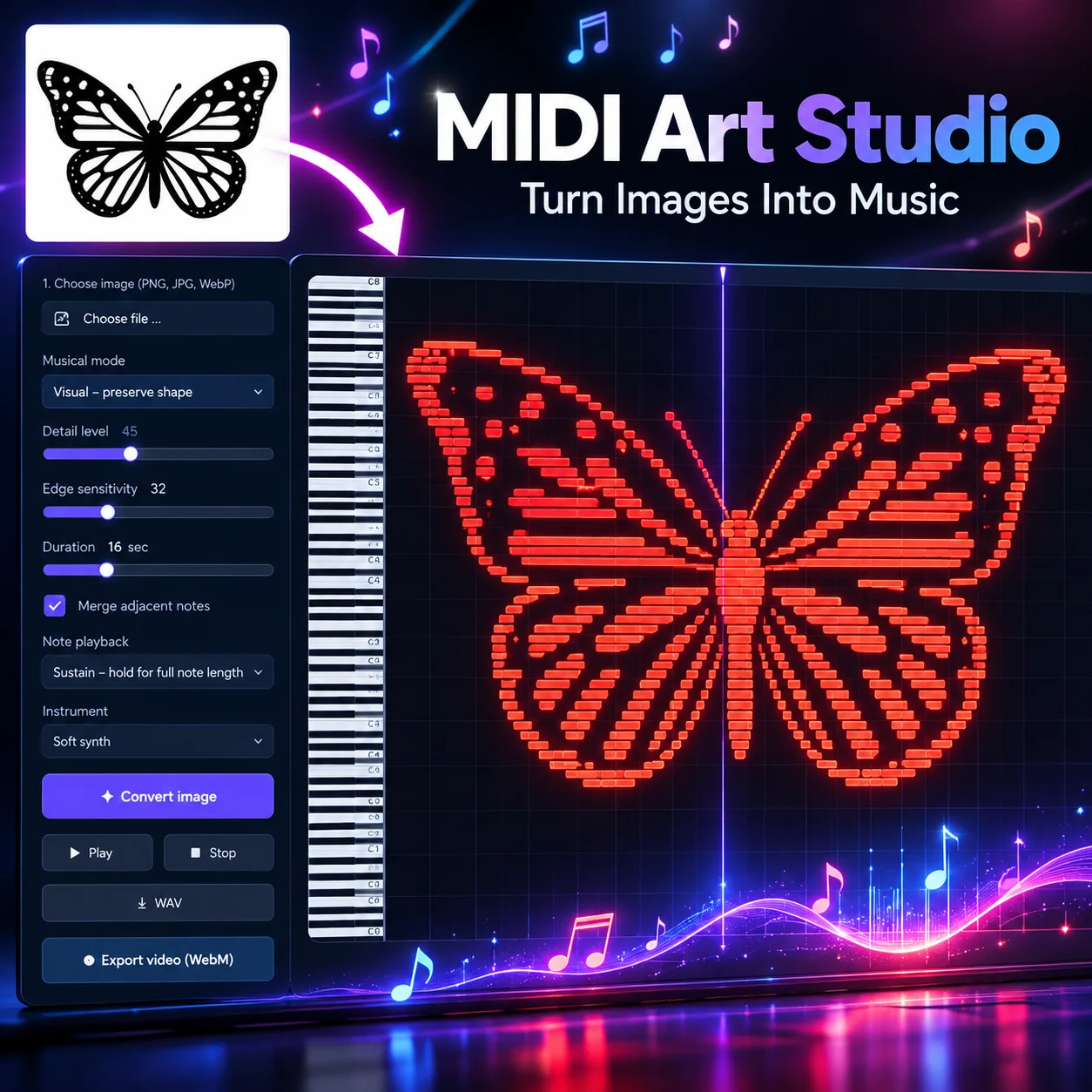
MIDI Art Studio – Turn Images Into Music Discover a creative new way to experience visual art through sound. MIDI Art Studio transforms your favorite images, logos, illustrations, and drawings into colorful musical compositions displayed on an interactive piano roll. Simply upload an image, customize the conversion settings, and watch as your artwork becomes a unique arrangement of musical notes. Every note represents a part of your image, creating a fascinating connection between visual shapes and sound. FEATURES Image-to-Music Conversion Upload JPG, PNG, or WebP images and automatically transform them into musical note patterns while preserving recognizable shapes and details. Visual & Musical Modes Choose Visual Mode to prioritize the original image's appearance or Musical Mode to create more harmonious note arrangements. Interactive Piano Roll Watch your artwork come to life on a colorful piano roll featuring animated piano keys that respond to the notes being played. Customizable Sound Experiment with different instruments, adjust the duration, and choose between short notes and sustained tones for different musical effects. Detailed Image Processing Adjust detail levels and contour sensitivity to control how your artwork is translated into musical notes. Animated Playback Experience your artwork as an audiovisual composition, with notes gradually appearing while the corresponding musical tones play. Audio & Video Export Download your musical creations as WAV audio files or WebM videos to save, share, or use in your creative projects. CREATE MUSIC YOU CAN SEE From simple line drawings and recognizable logos to intricate illustrations and abstract designs, MIDI Art Studio offers a playful way to explore the relationship between images and music. Whether you're a digital artist, music enthusiast, content creator, or simply curious about turning pictures into sound, MIDI Art Studio lets you experiment with visual music in an accessible and creative environment. Upload an image. Transform it into notes. Watch your art become music.

Your Future Self May Be a Committee, Not a Destination
Article

Your Future Self May Be a Committee, Not a Destination

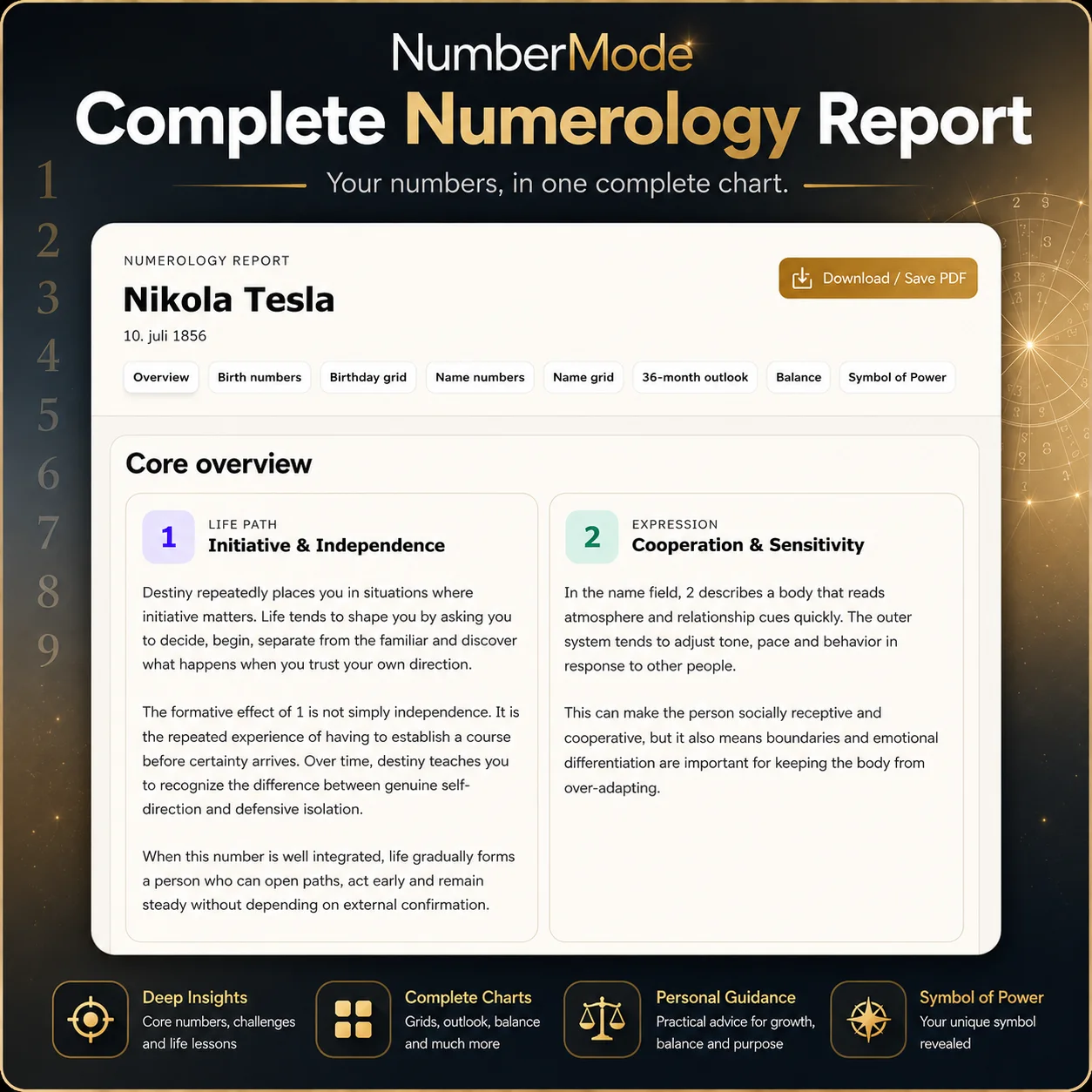
We talk about “becoming ourselves” as though a finished person is waiting ahead. But the mind may be doing something stranger: convening a shifting committee of possible future selves, each asking the present for time, sacrifice and belief.
Complete Numerology Report
App / Service

Complete Numerology Report

appdownload pdfmetaphysicsnumerologyreportself study

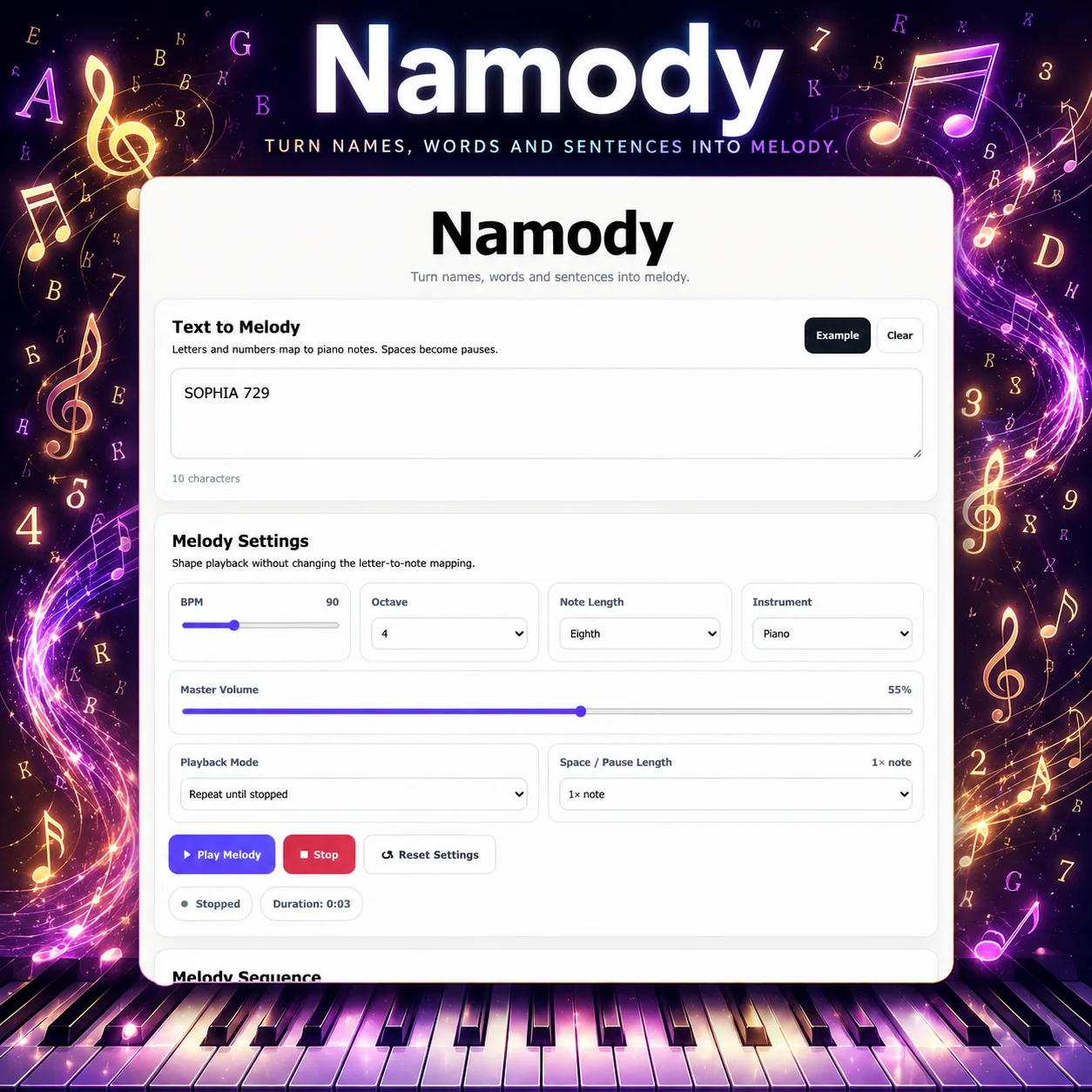
Discover the numerical patterns behind your birthdate and name with Complete Numerology Report, a comprehensive NumberMode tool designed to bring your key numerology calculations together in one detailed report. Enter your full name and birthdate to generate an in-depth reading covering your Life Path, Life Path Challenge, Expression, Expression Challenge, Inner Motivation, Inner Challenge, Personality, Personality Challenge, Sun Number and Moon Number. The report also includes Birthday and Name Grids, lesson numbers, repeated and missing numbers, and interpretations of the patterns formed within your grids. Birthdate calculations explore the numerical influences connected with your path and how destiny may shape your experiences, development and direction. Name-based calculations focus on how you operate through life, including expression, inner motivation, personality and the qualities projected through the name. The report also provides a 36-month numerology outlook, giving you a month-by-month view of upcoming numerical themes across three years. Relevant balancing guidance is included where the chart indicates areas that may benefit from additional attention. As a finishing element, the tool generates your own Symbol of Power, creating a visual representation derived from your numerological chart. Your complete report can be explored directly inside the app or saved as a PDF, giving you a personal numerology document you can keep and revisit.

The Afterlife of the Unlived: Do Forgotten Possibilities Still Exist?
Article

The Afterlife of the Unlived: Do Forgotten Possibilities Still Exist?

An unrealized future can vanish from memory, paper and testimony. But does that erase it completely—or does its brief power to shape decisions, places and relationships leave it with a different kind of reality?

LifeQuest
App / Service

LifeQuest

AchievementsBrain TrainingCreativityDaily ChallengesEducational GamesFocus

LifeQuest – Play. Discover. Level Up. Turn everyday brain training into an exciting adventure with LifeQuest, a free interactive challenge app designed to test your thinking, sharpen your skills, and reward your progress. Explore five unique categories, each featuring 200 questions and challenges. Every quest presents five randomly selected questions, creating fresh combinations every time you play. Five Ways to Challenge Your Mind - 🧩 Logic Lab – Solve patterns, number sequences, and logical puzzles. - 🧠 Memory Matrix – Challenge your attention, memory, and recall. - 🎨 Creative Sparks – Explore word puzzles, lateral thinking, and creative problem-solving. - 🎯 Focus Zone – Test your concentration, observation, and attention to detail. - 🌍 Curiosity Quest – Discover fascinating questions about science, nature, and the world. Play, Progress, and Achieve Complete daily challenges to earn XP, increase your level, and build your personal LifeQuest journey. Track your performance, discover achievements, and challenge yourself to improve your scores. Once you've completed a daily quest, you can return in Practice Mode to keep playing without earning additional XP. Your Quest, Your Identity LifeQuest supports personalized player names through your Tagular account, letting you enjoy the experience under your chosen nickname. Features - 1,000 questions across five categories - Five randomly selected questions per quest - Daily challenges with automatic resets - XP and leveling system - Achievements and personal statistics - Practice Mode for additional challenges - Optional personalized player nickname - Free to play directly on Tagular Every question is a new opportunity to learn, explore, and grow. Start your LifeQuest today!

The Accidental Museum in Your Air Filter
Article

The Accidental Museum in Your Air Filter

A used HVAC or air-purifier filter is not merely grimy refuse. It is a biased, time-blurred sample of particles that passed through a building: outdoor pollen and soot, indoor cooking particles, fibres, spores and fragments of daily life. The trick is learning what that archive can reveal—and where its story stops.

Pixel Art Studio
App / Service

Pixel Art Studio

8-Bit ArtBrowser-Based ToolsCreative ToolsDigital ArtDitheringgraphical design

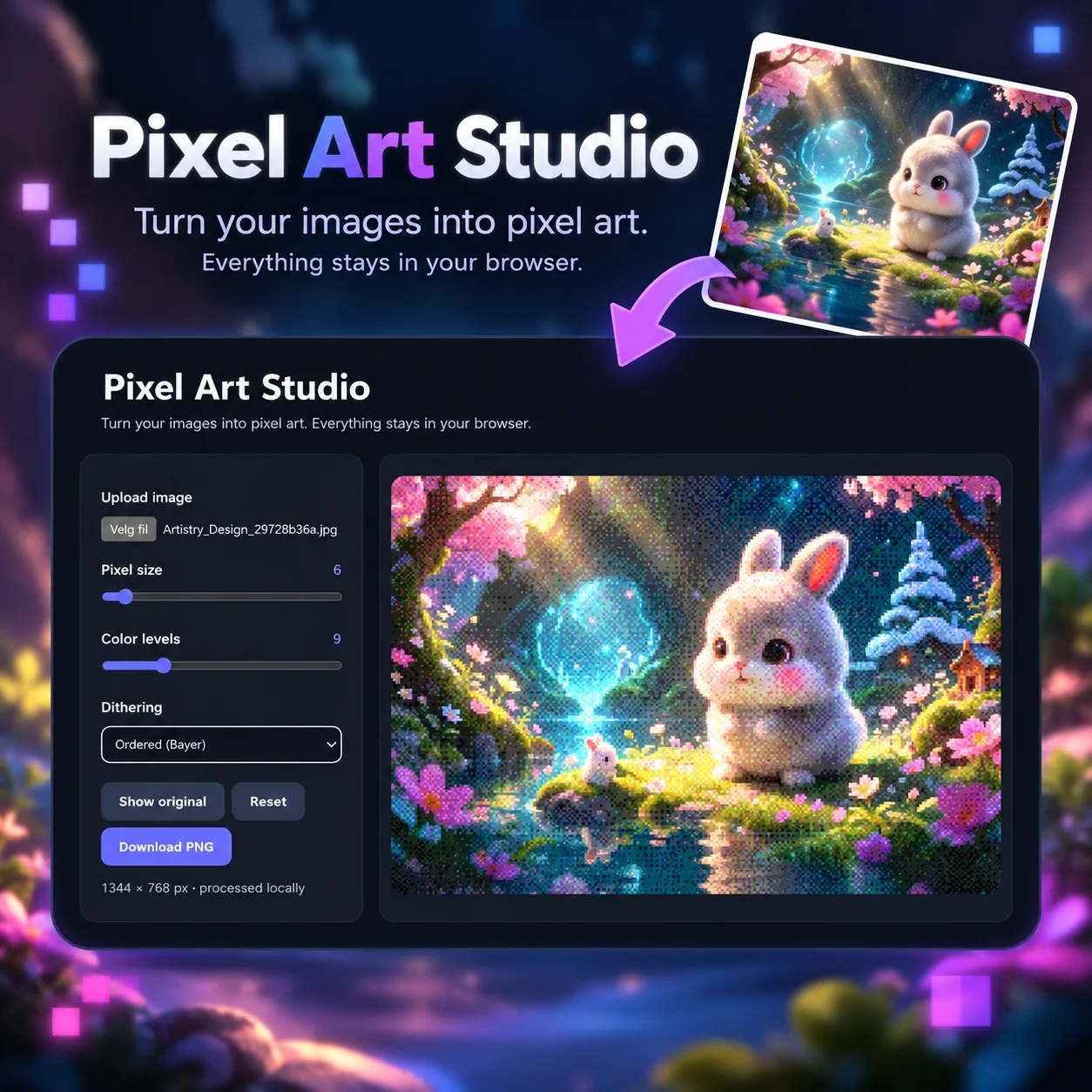
Turn Any Image into Pixel Art Pixel Art Studio is a free, browser-based image editor that transforms ordinary photos, illustrations, and digital artwork into beautiful retro-style pixel art. Whether you're creating nostalgic 8-bit graphics, experimenting with digital art, or simply giving your favorite images a unique pixelated look, Pixel Art Studio makes the process quick, easy, and fun. Features - Custom Pixel Size: Adjust the size of individual pixels to create anything from subtle pixelation to bold, blocky artwork. - Color Levels: Reduce or expand the color range to achieve different artistic styles and retro effects. - Dithering Effects: Experiment with different dithering techniques to create textured, vintage-inspired visuals. - Instant Preview: See your changes in real time as you adjust the settings. - Original Comparison: Switch between your original image and the pixelated version. - High-Resolution PNG Export: Download your finished artwork while preserving the original image dimensions. - Private and Browser-Based: All image processing happens directly in your browser. Your images are never uploaded to a server. Create, Experiment, and Explore From colorful fantasy illustrations to portraits, landscapes, and digital designs, Pixel Art Studio gives you creative control over how your images are transformed. No installation, no complicated software, and no design experience required. Upload an image, explore the possibilities, and create your own pixel art in seconds.

The Prototype Funeral: Why Good Ideas Need a Better Way to Die
Article

The Prototype Funeral: Why Good Ideas Need a Better Way to Die

Most organizations know how to launch an experiment. Far fewer know how to end one without losing its useful parts—or trapping people in work that should have stopped months ago.

Breath & Frequency Trainer
App / Service

Breath & Frequency Trainer

appbreathing exercisesbreathworkfrequencyhz generatormeditation

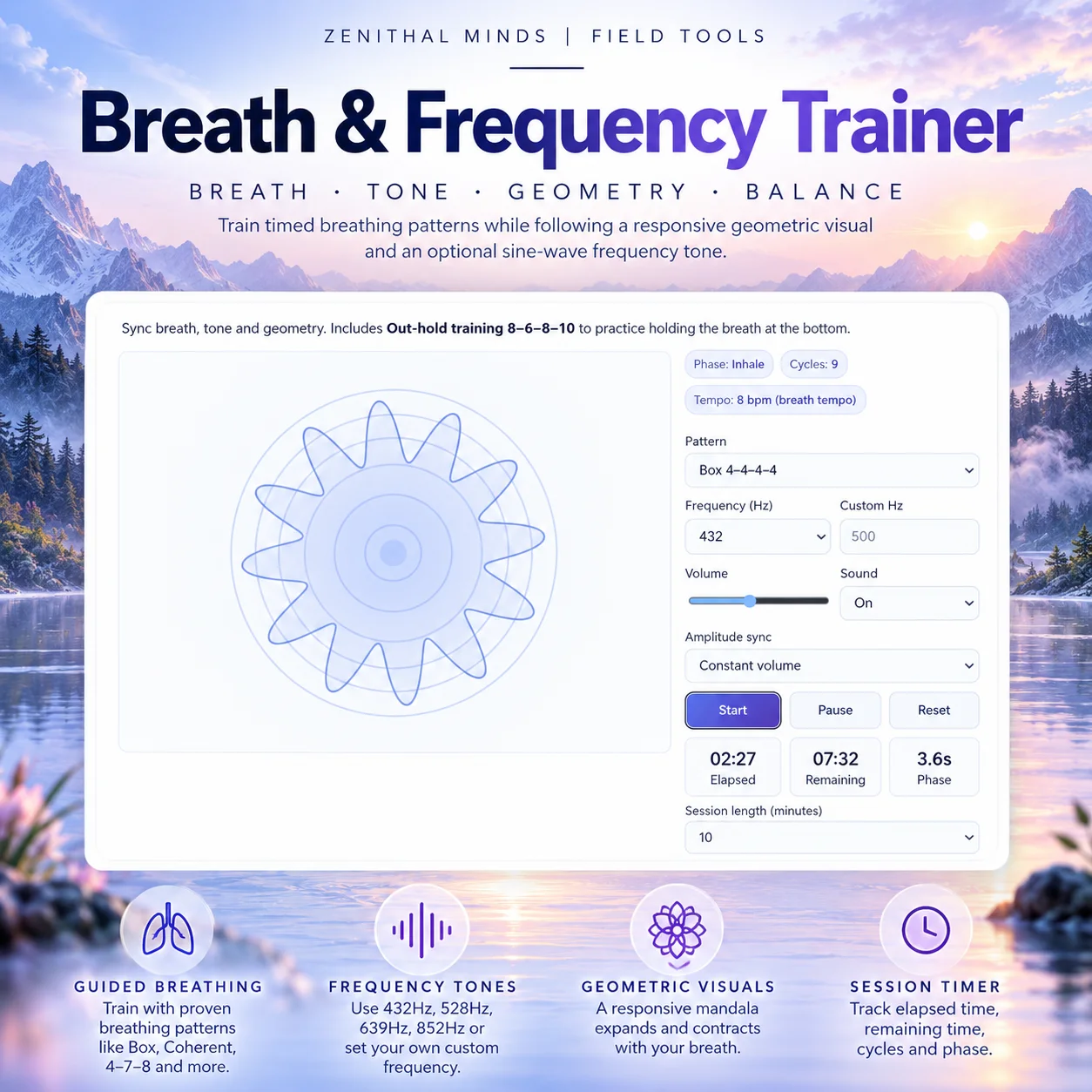
Bring breath, sound, and geometry together with Breath & Frequency Trainer. The app guides you through timed breathing patterns while a responsive geometric visualization expands and contracts with your breath. Add an optional sine-wave frequency tone and customize your session to create a breathing practice that suits you. Choose from several built-in breathing patterns, including Box 4–4–4–4, Coherent 5–5, 4–7–8, and Out-hold 8–6–8–10, or create your own custom inhale, hold, exhale, and bottom-hold sequence. Combine your breathing session with selectable 432 Hz, 528 Hz, 639 Hz, or 852 Hz tones, or enter your own custom frequency. You can adjust the volume, turn sound on or off, and choose whether the tone maintains a constant volume or follows the intensity of the breathing visualization. The animated geometric visual provides a simple visual reference for each stage of the breathing cycle, expanding during inhalation and contracting during exhalation. Features include: - Box 4–4–4–4 breathing - Coherent 5–5 breathing - 4–7–8 breathing - Out-hold 8–6–8–10 training - Fully customizable breathing patterns - Animated geometric breathing visualization - 432 Hz, 528 Hz, 639 Hz and 852 Hz tones - Custom frequency generator - Adjustable volume - Breath-synchronized or constant tone amplitude - Sound on/off - Adjustable session duration - Start, pause and reset controls - Live breathing phase display - Completed cycle counter - Elapsed and remaining session time Use Breath & Frequency Trainer for meditation, relaxation, mindful breathing, Qi Gong, yoga, focus sessions, or simply taking a few structured minutes to slow down and follow your breath. Breathing exercises should always be performed within your own comfort. Stop if you feel dizzy or unwell. The app is a practice and wellness tool and is not intended as medical treatment.

When Noon Fell From the Sky: The Forgotten Drama of Public Time
Article

When Noon Fell From the Sky: The Forgotten Drama of Public Time

Before time lived silently in phones and wristwatches, cities made it visible: a red ball dropped from an observatory roof, a cannon fired, a clock face commanded a square. The history of public time signals reveals how synchronization became one of modern life’s most intimate forms of shared authority.

Meme Maker
App / Service

Meme Maker

appgeneratorgraphical designImage EditorJPG downloadmemes

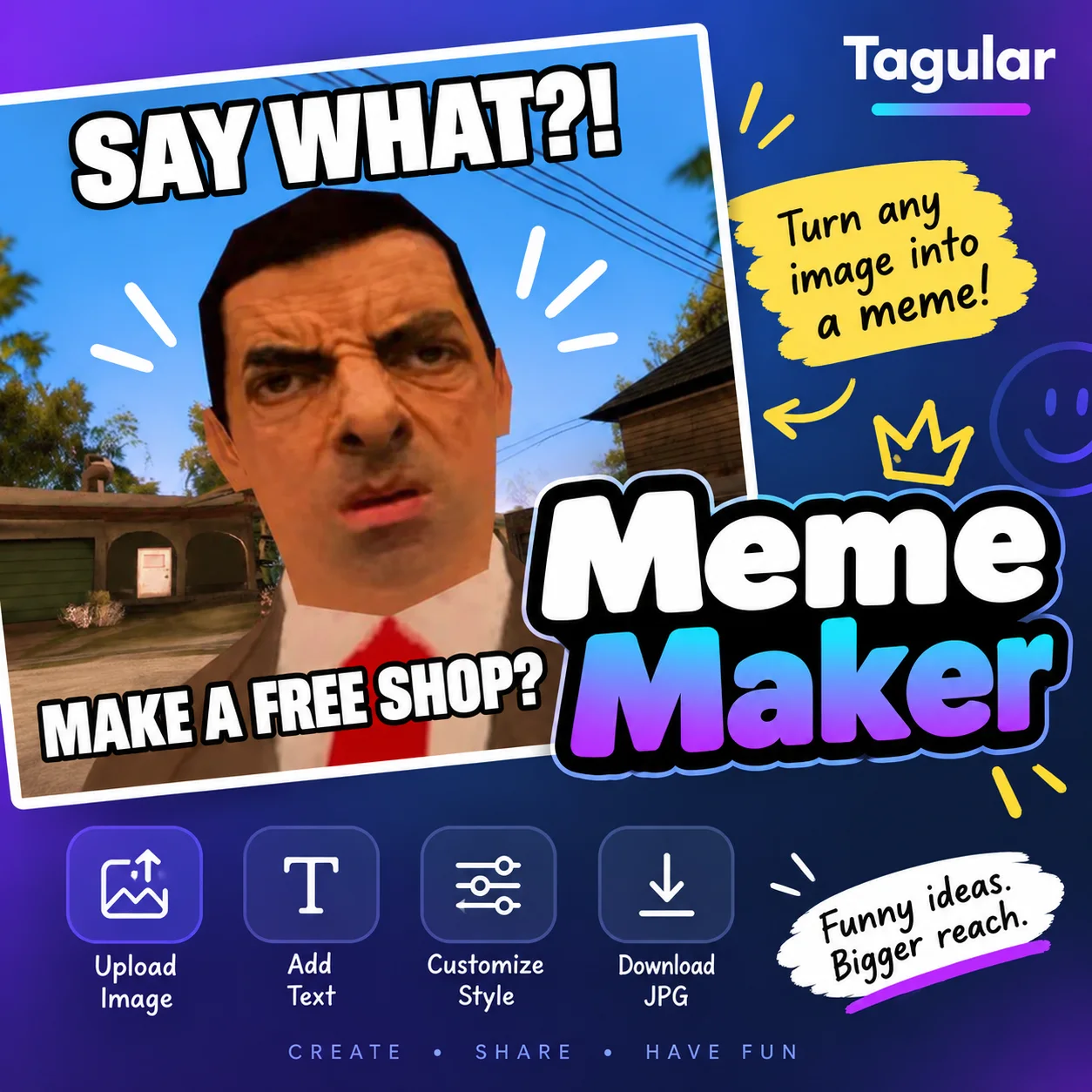
Make memes fast. Keep it simple. Meme Maker is a simple browser-based tool for turning your own images into shareable memes in seconds. Upload an image, choose where you want your text — top, middle, bottom, or any combination — and start writing. Your meme updates instantly while you work. Customize the text color, outline color, font size, and stroke thickness to get the look you want. Classic white meme text with a black outline is ready by default, so you can also just upload, type, and go. When you're happy with your meme, download the finished image as a JPG and share it wherever you like. Features include: - Upload your own images - Top, middle and bottom text - Use multiple text positions at once - Live meme preview - Adjustable text size - Custom text color - Custom outline/stroke color - Adjustable stroke thickness - Bold, easy-to-read meme text - Download finished memes as JPG - Runs directly in your browser Whether you're making something funny for friends, creating social media content, or turning an idea into a quick visual joke, Meme Maker keeps the process fast and uncomplicated.

When Your Head Hurts: 10 Gentle Ways to Find Relief—and 20 Patterns Worth Noticing
Article

When Your Head Hurts: 10 Gentle Ways to Find Relief—and 20 Patterns Worth Noticing

A soothing, practical guide to easing ordinary headaches, recognizing 20 common patterns, and knowing when a headache needs urgent medical attention.

Rcommended For You

Latest Apps

View more →

Latest Articles

Latest Quotes

View Tags

Graphic Design Apps

Hot Articles

Sound Design Apps

Metaphysically Themed

Selfhelp is Greathelp

Apps w/ Video

Keep exploring